

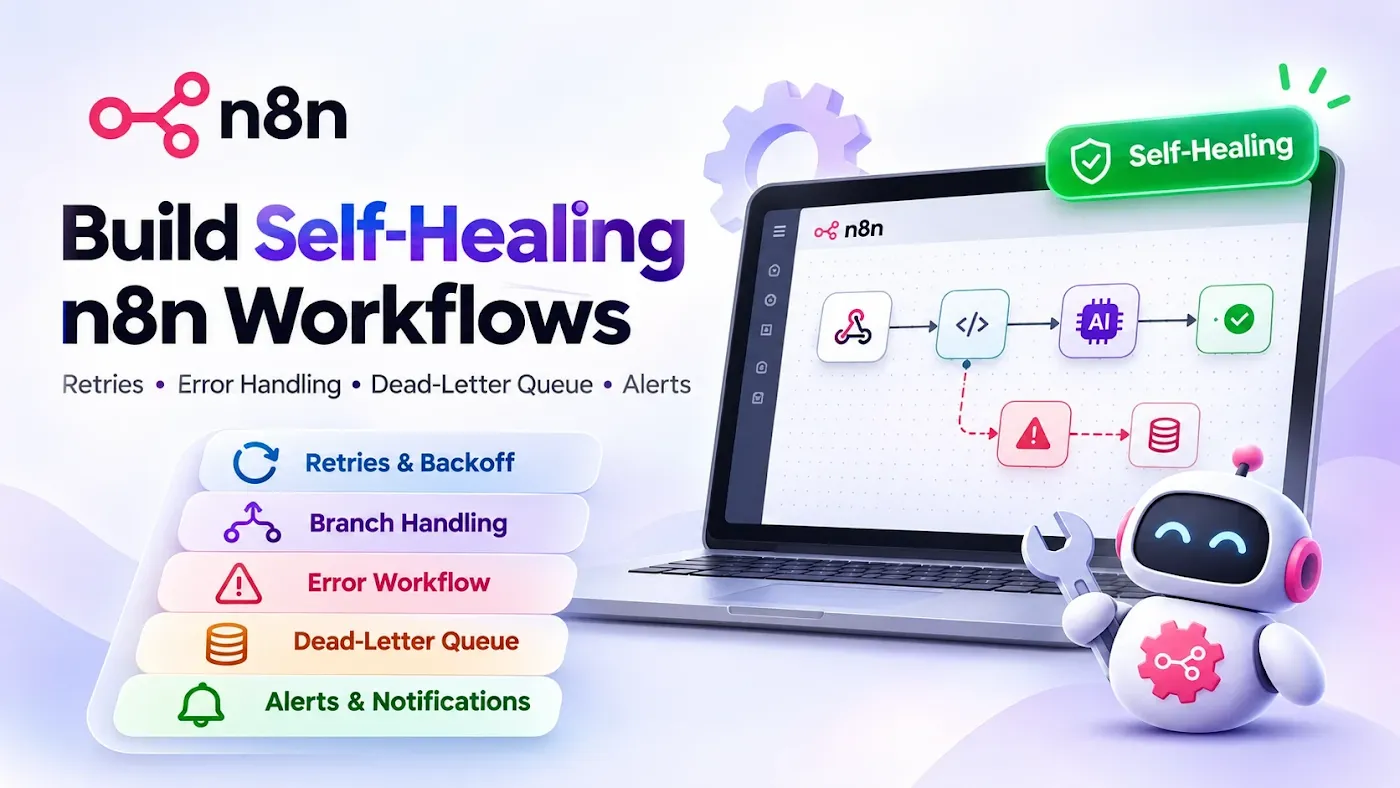
Most n8n workflows do not fail loudly. They fail quietly: a webhook times out, an API returns a rate-limit error, a customer message is dropped, and nobody finds out until the client asks why nothing arrived. A workflow that runs perfectly in your test is not a production workflow. A production workflow knows how to fail, recover and tell you what happened.
This guide shows a simple five-layer method to make n8n workflows self-healing, with code you can copy and a checklist you can use before every launch.
Quick Summary
The problem: workflows that work in testing break in production because of timeouts, rate limits, bad data and duplicate triggers.
The fix: five layers of protection, from cheapest to most powerful: retries, branch handling, an error workflow, a dead-letter queue, and alerts.
Who it is for: anyone running n8n for chatbots, lead capture, RAG ingestion or client automations.
What you get: a decision table, a message formatter for failure alerts, a backoff pattern, a duplicate-protection rule and a launch checklist.
What "self-healing" really means
A self-healing workflow does not mean it never breaks. It means that when something breaks, it does four things on its own:
- Retries the step if the problem is temporary.
- Isolates the failed item so the rest of the work continues.
- Saves enough information to replay the item later.
- Alerts a human with details they can act on.
If your workflow does none of these, a single bad item can stop everything, and you may not know for days.
Why workflows fail in production
| Cause | Example | Right response |
|---|---|---|
| Temporary network error | API times out | Retry |
| Rate limit (HTTP 429) | Too many AI or CRM calls | Wait, then retry with backoff |
| Bad input data | Missing phone number, empty field | Skip, save to review queue |
| Expired credentials | Token no longer valid | Alert immediately, do not retry |
| Duplicate trigger | Webhook sent twice | Detect and ignore |
| Provider outage | Third-party service is down | Retry later, alert if it lasts |
The key idea: not every error deserves a retry. Retrying a bad password a hundred times only wastes time and can lock accounts.
Add your own story here. Write 3 to 5 lines about a real workflow of yours that failed in production: what broke, how long it took to notice, and what it cost. A real example makes this guide far more useful than any template.
The five layers
Layer 1: Retry on fail (for temporary problems)
On nodes that call external services (HTTP Request, AI, CRM, email), open the node settings and turn on Retry On Fail. Set a small number of tries and a wait between tries.
- Good for: timeouts, brief outages, occasional 5xx errors.
- Not good for: wrong credentials, invalid data, permission errors.
- The built-in retry uses a fixed wait, so for rate limits use Layer 1b below.
Layer 1b: backoff for rate limits. Add a small loop: Code node, then Wait node, then retry the call. A Code node can calculate the wait time:
// Code node: calculate wait time with exponential backoff
const attempt = $json.attempt ?? 0;
const delaySeconds = Math.min(2 ** attempt, 60); // 1, 2, 4, 8 ... max 60
return [{ json: { ...$json, attempt: attempt + 1, delaySeconds } }];
Then set the Wait node amount to the expression {{ $json.delaySeconds }} seconds, and stop the loop after a fixed number of attempts (for example 5) so it can never run forever.
Layer 2: Decide what happens when a node fails
In each important node, open Settings and look at the On Error option. You usually choose between:
- Stop workflow (default): the whole run fails and the error workflow takes over.
- Continue: ignores the error and moves on. Use with great care, because it hides problems.
- Continue (using error output): sends the failed item down a separate branch where you can handle it.
For batch work (for example 200 contacts), the third option is the safest. One bad contact goes to a "failed" branch and the other 199 are still processed.
Layer 3: A global error workflow
n8n lets you set one workflow as the error workflow for others. Create a new workflow that starts with the Error Trigger node, then in each production workflow go to Settings and choose it as the Error Workflow.
Important notes:
- The Error Trigger only fires for automatic (production) runs, not for manual test runs, so do not expect it when clicking Execute.
- Use one shared error workflow for all your automations. You maintain a single place for alerts.
Add a Code node after the Error Trigger to build a readable message:
// Code node after Error Trigger: build a clear alert
const e = $input.first().json;

const workflow = e.workflow?.name ?? 'Unknown workflow';
const node = e.execution?.lastNodeExecuted ?? 'trigger or unknown';
const message = e.execution?.error?.message ?? 'No message';
const url = e.execution?.url ?? '';

const text =
  `🔴 n8n failure\n` +
  `Workflow: ${workflow}\n` +
  `Failed node: ${node}\n` +
  `Error: ${message}\n` +
  `Open run: ${url}`;

return [{ json: { text, workflow, node, message, url } }];
Layer 4: A dead-letter queue (so nothing is lost)
A dead-letter queue is just a table where failed items wait to be fixed or replayed. In n8n you can use Google Sheets, Airtable or a database table.
Save these fields for each failed item:
| Field | Why |
|---|---|
id | Unique ID of the item (message ID, order ID) |
workflow | Which automation failed |
payload | The original data, so you can replay it |
error | What went wrong |
failed_at | Time of failure |
status | new, fixed, replayed or ignored |
Build a small second workflow that reads rows with status new, fixes or retries them and updates the status. That is the "healing" part: failed work is recovered instead of disappearing.
Layer 5: Alerts that people actually read
A bad alert says "Workflow failed". A good alert tells someone what to do next.
Send alerts to a channel your team already watches (Slack, Telegram, WhatsApp or email) and include:
- Which workflow and which node failed
- A short error message
- A link to the failed run
- Whether the item was saved to the dead-letter queue
- Severity (warning or critical)
To avoid alert fatigue, group repeated errors (for example, send one message every 15 minutes with a count) and reserve instant alerts for critical problems such as expired credentials or a down database.
Protect against duplicates (idempotency)
Webhook providers sometimes send the same event more than once, and retries can repeat actions. If your workflow sends a message or creates an order, a duplicate can cause real harm.
Use a simple rule: every incoming event has a unique ID, and you check it before doing the work.
- Take the event ID (for chat apps, the message ID).
- Look it up in a table or cache of processed IDs.
- If it exists, stop. If not, save it and continue.
This one habit prevents double replies, double charges and double records. It matters most for chatbots and lead capture.
When n8n is no longer the right tool
Self-healing patterns help a lot, but workflows with very high volume, complex branching or strict latency needs can outgrow n8n. If you keep adding more nodes just to handle errors, read what I learned moving a WhatsApp chatbot from n8n to FastAPI before deciding to rebuild.
Copy and use: production launch checklist
n8n production checklist
- [ ] Retry On Fail set on every external API call
- [ ] Rate-limited calls use a Wait + backoff loop with a maximum attempts count
- [ ] Batch workflows use "Continue (using error output)" for bad items
- [ ] A shared error workflow is selected in each workflow's Settings
- [ ] Error alerts include workflow, node, error and run link
- [ ] Failed items are saved to a dead-letter table with their original data
- [ ] A replay workflow exists and has been tested at least once
- [ ] Incoming events are checked against a processed-ID list
- [ ] Credentials are stored in n8n credentials, never inside nodes
- [ ] Webhooks are authenticated
- [ ] Someone owns the alert channel and checks it daily
- [ ] The failure path was tested on purpose (break a key, send bad data)
Common mistakes
- Retrying everything. Retries on permanent errors waste time and hide the real problem.
- Using "Continue" to make errors disappear. The workflow looks healthy while data is being lost.
- Alerts with no detail. "Failed" with no node, no link and no data is useless at 2 a.m.
- No place to keep failed items. If it is not saved, it cannot be replayed.
- Testing only the happy path. Break something on purpose before the client does.
- Testing the error workflow only manually. The Error Trigger runs on production executions, so test with a real triggered run.
- No owner for alerts. An alert nobody reads is the same as no alert.
Frequently asked questions
What is an error workflow in n8n?
It is a separate workflow that starts with an Error Trigger node and runs automatically when another workflow fails. You choose it in the failing workflow's settings, and use it to send alerts and save failed items.
Why is my Error Trigger not running?
The most common reasons are that the error workflow is not selected in the failing workflow's settings, or that you are testing with a manual execution. The Error Trigger runs for automatic production executions.
How many retries should I use?
Two to three tries for most API calls is enough. For rate limits, use a backoff loop with a maximum of about five attempts, and alert if it still fails.
What is a dead-letter queue?
It is a table that stores items that could not be processed, along with the error and original data, so they can be fixed and replayed later.
How do I stop duplicate messages in n8n?
Store a unique event ID for each processed item and check it at the start of the workflow. If the ID already exists, stop.
When should I leave n8n for custom code?
When error handling starts to dominate your workflow, when you need very low latency or high volume, or when testing and versioning become hard. Many teams keep n8n for simple flows and move the critical path to code.
Final thoughts
A good automation is not one that never fails. It is one where failures are expected, contained and visible. Start with the cheapest layers (retries and a shared error workflow), add a dead-letter table for anything valuable, and keep alerts short and actionable. Do that, and your workflows will fix themselves most of the time and tell you clearly when they cannot.
Read next
- Human-in-the-Loop AI: How to Add Approval Steps to Your Agents and Automations
- CrowdStrike Just Launched an AI Kill Switch: How to Build One for Your Own AI Agents
- How I Built an Automated FAQ Pipeline for RAG: Sitemap, GPT-4o and Pinecone
Need reliable n8n automations or AI chatbots built for your business? Get in touch.
n8n AI Agent Bugs: 4 Fixes From a Real Chatbot
Four n8n AI agent bugs from a real chatbot audit: unwired outputs, wrong session keys, model-made timestamps and ticket IDs, and placeholder facts. Fixes included.